Inviting your team
From the organisation home, open Master Records. This is where every person, company and category used across your projects is set up.
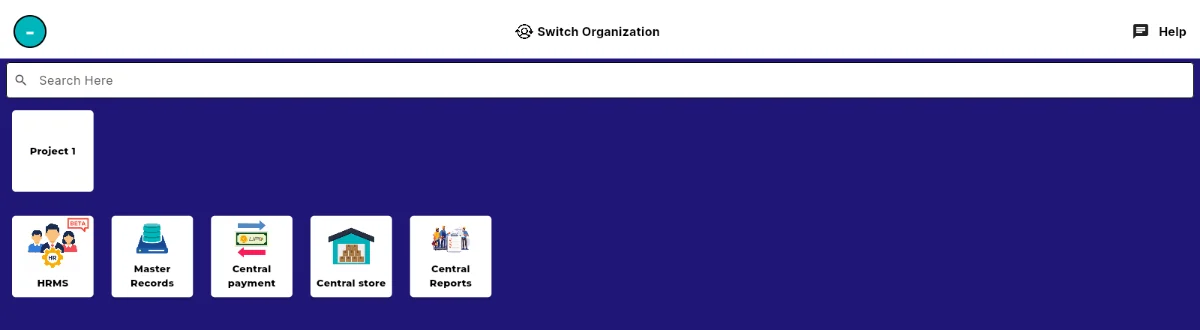
Master Records sits on the organisation home, beside HRMS and Central payment. Master Records holds a tile for each kind of record: Add Team Members, Add Designation, Add Department, Add Contractors, Add Supplier, Add Equipments, Add Vendor, Add Materials and more.

Master Records, with a tile for each type of record you can add. Tap Add Team Members to open the Team Member List, then add the person. Set their designation and department at the same time, so filters like Filled By and Department are useful later.
Add your contractors, suppliers and vendors from the same screen. They appear as parties under Payments, which is how amounts payable and receivable get attributed correctly.